Less storage with H.265
Modern H.265 recorders can store similar-quality video in up to half the space of older H.264 systems, which often means days more history on the same hard drive.
DVR, XVR and NVR recorders set up to keep the footage you need, with correct timestamps and remote viewing on your phone. Serving Toronto and the GTA.
When something happens, you need the right clip, with the right timestamp, from a recorder that was actually recording. That is what a properly configured DVR or NVR gives you.
Modern H.265 recorders can store similar-quality video in up to half the space of older H.264 systems, which often means days more history on the same hard drive.
NVR systems use Power over Ethernet, so each IP camera gets power and data through a single network cable. That means cleaner installs and fewer failure points.
Check live cameras and play back recordings from your phone or office. Our technicians set it up, test it and show you how it works.
Sources: CCTV Camera World, H.264 vs H.265 for security cameras
Newer H.265 recorders compress video far more efficiently than older H.264 models.
Source: CCTV Camera World, H.264 vs H.265 for security cameras
Leaving no stone unturned to guarantee peak system performance.
Our licensed technicians can inspect, quote and install anywhere in the GTA and across Canada.
Get a Free Quote (416) 458-8628We install all three. The right choice depends on the cameras you have, the wiring already in your walls, and how much detail you need.
Records cameras connected by coaxial cable. Today’s HD analog cameras deliver crisp video at a lower cost.
Best for: Budget-friendly systems and sites with existing coax
Runs your existing analog cameras and new IP cameras on one recorder, so you can upgrade in stages instead of all at once.
Best for: Upgrading an older system without rewiring everything
Records network cameras with the highest resolution, Power over Ethernet and smart search features.
Best for: New installations, larger sites, maximum detail
If any of these sound familiar, your system may not have the footage you need when it matters most.
We’ll inspect your DVR/NVR, verify settings and playback quality, and give you a clear report.
Book a free estimate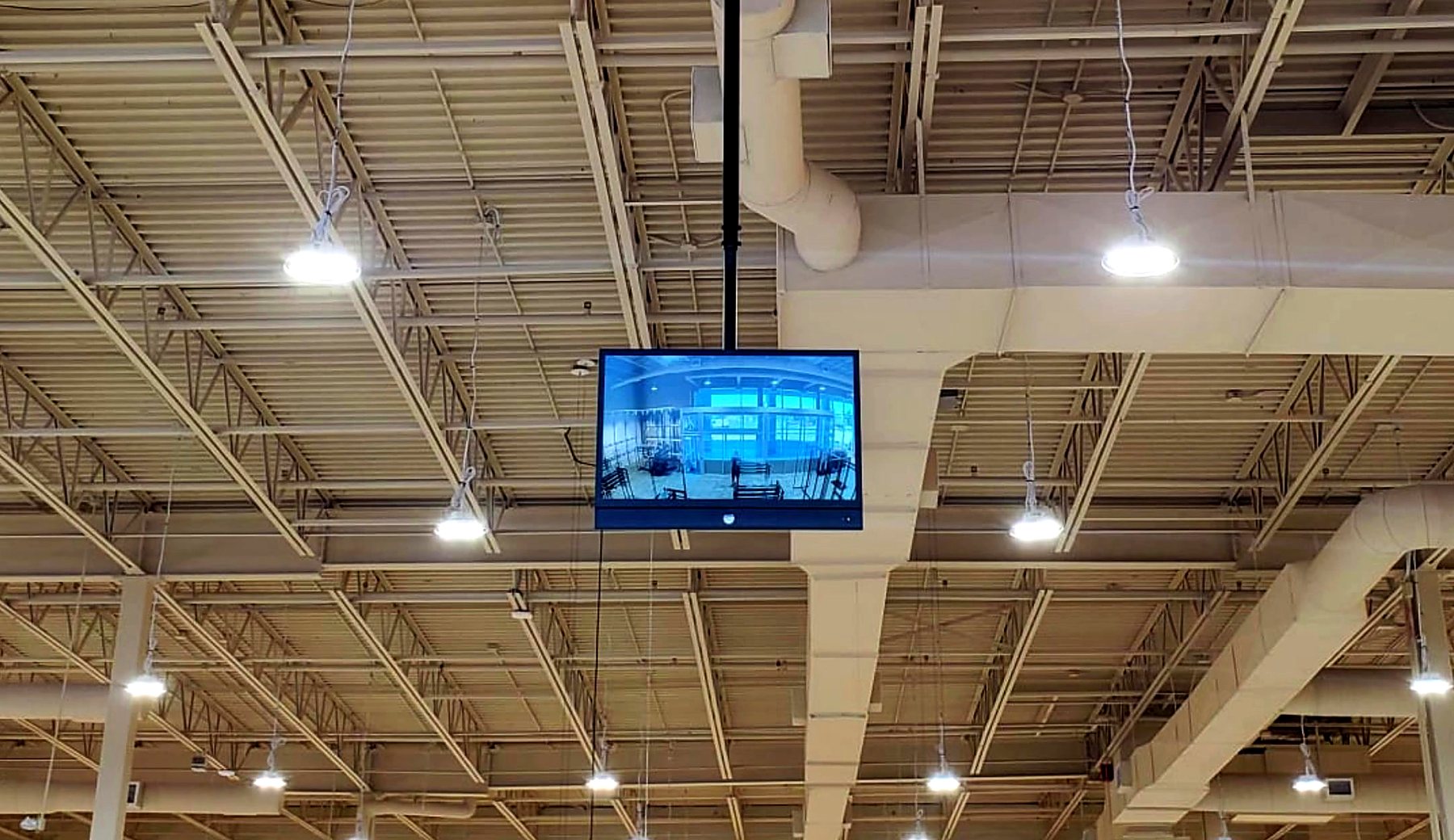
We connect and configure your DVR/NVR to match your recording preferences, with precise adjustments for optimal settings.
We audit time and date settings and check major components for damage to keep recording and playback reliable.
Detailed reports, verified camera names, optional user retraining and remote viewing from anywhere.
Still unsure? Call (416) 458-8628 and talk to the team that will do the work.
It depends on the number of cameras, their resolution, the recording mode and the size of the hard drive. Tell us how far back you need to be able to look, and we’ll configure the recorder and storage to match.
Motion recording saves storage; continuous recording captures everything. Many sites use continuous recording on entrances and motion recording elsewhere. We tailor it to your property.
If a recording’s timestamp is wrong, it is harder to line up with what happened and less convincing as evidence. Checking time and date is part of every system check we do.
Yes. We show your team how to search, export and share footage, and we offer retraining whenever staff change.
Often, yes. A hybrid XVR recorder runs existing analog cameras alongside new IP cameras, so you can upgrade over time.
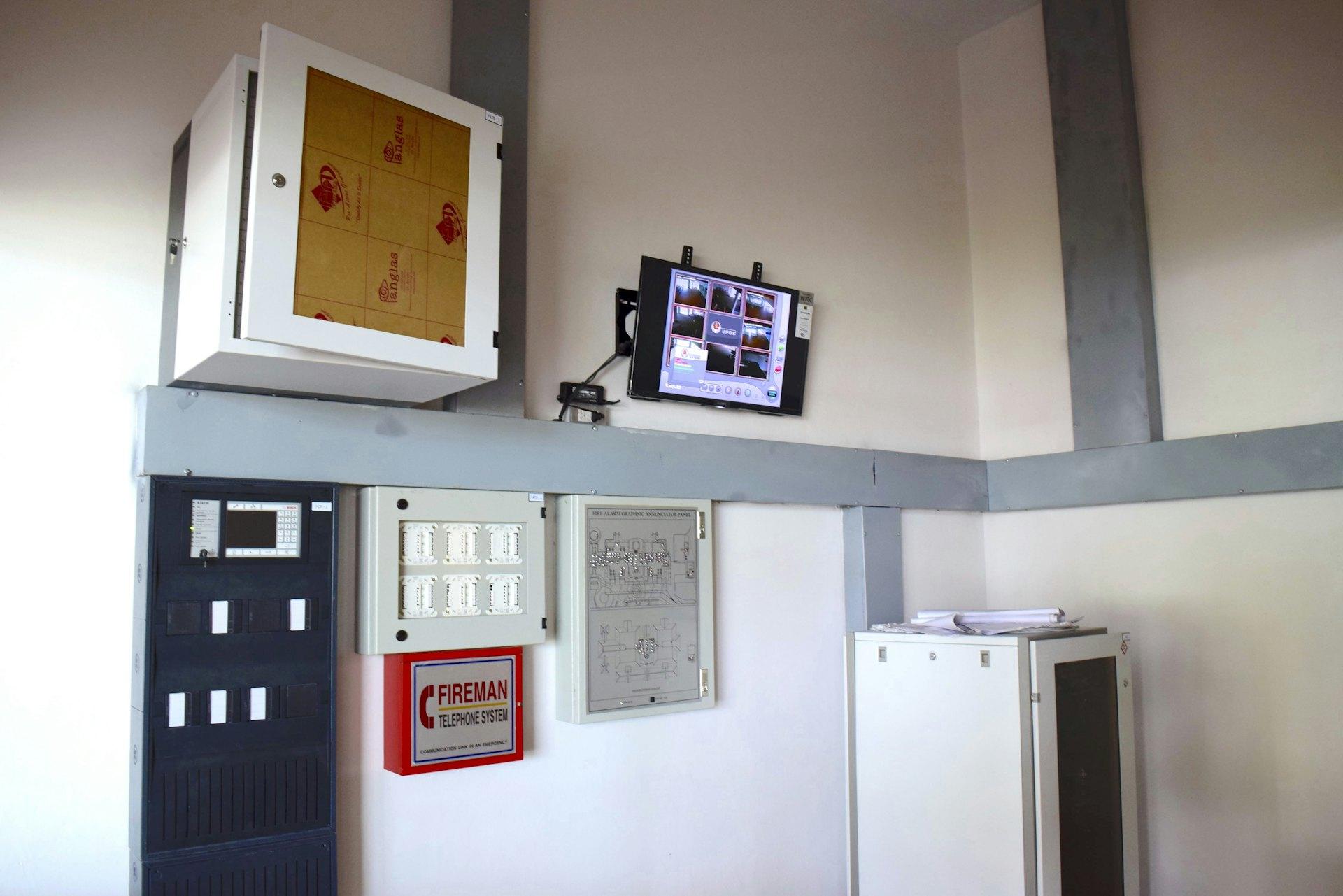
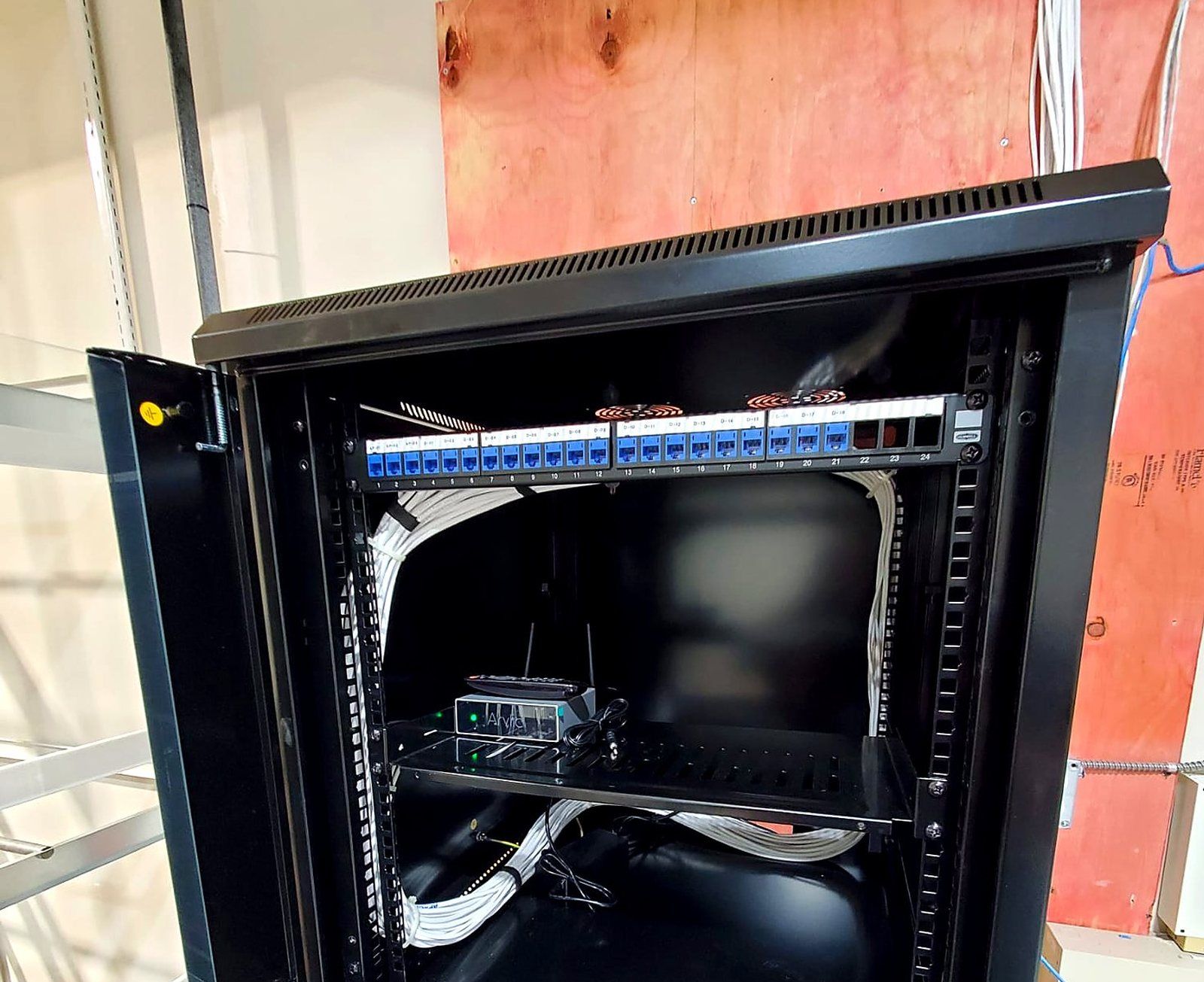
Real Ranada jobs. Select a photo to enlarge it.